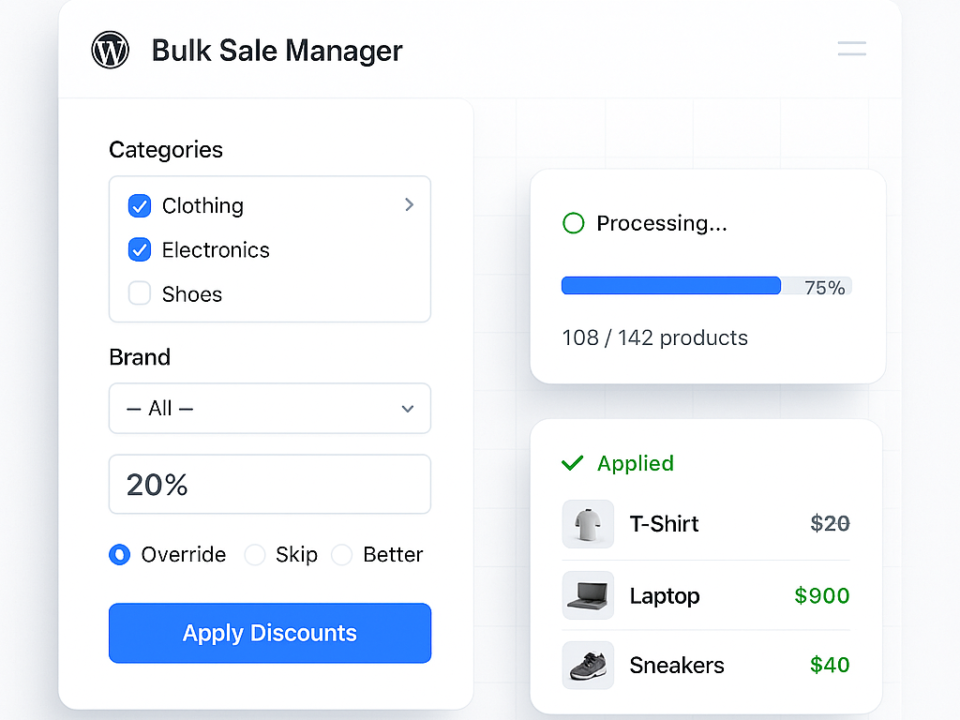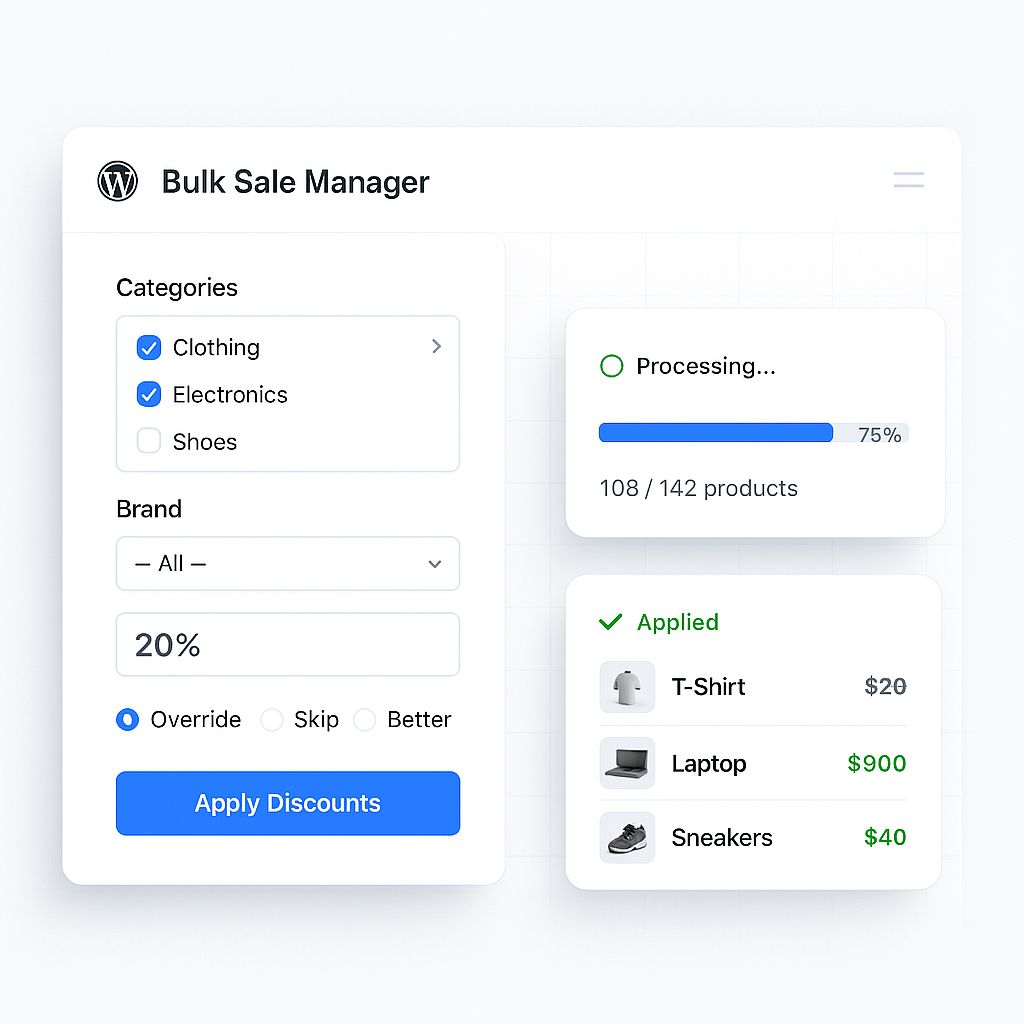

You want to implement bulk discounts specifically for product categories within your WooCommerce store, and you need to understand the various methods and features available, including support for variable products. This guide will walk you through the process, outlining both native WooCommerce approaches and the benefits of using specialist plugins.
Understanding the Need for Category-Specific Bulk Discounts
Implementing bulk discounts woocommerce by category provides a strategic advantage for your e-commerce business. Rather than offering a blanket discount across your entire inventory, you can target specific product lines. This allows you to manage stock more effectively, push slow-moving items within a particular category, or reward customers for purchasing multiple items from a related set. When your customers buy more items from a category, it directly impacts your average order value (AOV) and can foster customer loyalty. Furthermore, by making these deals available to customers, you’re encouraging them to explore more of what a specific category has to offer, potentially leading to further purchases in the future.
Native WooCommerce Limitations for Bulk Discounts
While WooCommerce is a robust e-commerce platform, its native capabilities for complex bulk discounting, particularly at a category level, are somewhat limited. You can manage sale prices for individual products, but applying tiered discounts or rules across an entire category requires a more manual approach.
Manually Adjusting Sale Prices by Category
Your initial instinct might be to use WooCommerce’s built-in functionality. You can, for instance, navigate to your products list and filter them by a specific category.
Bulk Editing Sale Prices
Once you have filtered the products for a particular category, you can use the bulk edit feature. You would select all the products within that category and then adjust their ‘sale price’. This can be set as a percentage reduction or a fixed amount from the regular price.
Individual Product Price Management
For more nuanced adjustments, you would need to edit each product individually. This approach is practical for a small number of products or infrequent updates. However, for a dynamic pricing strategy or a large inventory, this method quickly becomes time-consuming and prone to error. Imagine trying to update sale prices for hundreds of products across twenty categories every month; the administrative burden would be substantial.
Absence of Tiered and Conditional Logic
The primary drawback of the native WooCommerce approach is its inability to handle tiered pricing or conditional logic automatically. You cannot, for example, natively set up a rule that states: “Buy 6 items from Category X, get 10% off; buy 12 items, get 15% off.” Similarly, there’s no built-in mechanism to dynamically calculate discounts based on the total quantity of mixed products within a category. This is where specialist plugins become invaluable.
Leveraging Plugin-Based Solutions for Category Discounts
For comprehensive and automated bulk discounting by category, you will find that plugin-based solutions offer significant advantages. These tools extend WooCommerce’s functionality, providing the flexibility and automation required for effective discount strategies. Dedicated discount plugins like Discount Rules for WooCommerce, Buy More Save More, or the Bulk Discounts module within Merchant Pro are designed specifically for this purpose.
Setting Up Tiered Quantity Discounts by Category
One of the most potent features offered by these plugins is the ability to implement tiered quantity discounts. This allows you to incentivise larger purchases by offering progressively better deals as customers add more items to their cart from a specific category.
Defining Discount Tiers
You can define multiple tiers based on the quantity of products. For example, you might set up a rule:
- Purchase 1-5 items from ‘Electronics’ category: No discount.
- Purchase 6-11 items from ‘Electronics’ category: 10% off.
- Purchase 12+ items from ‘Electronics’ category: 15% off.
These tiers can be applied to all products within one or multiple selected categories simultaneously. This means you do not have to create individual rules for each product in that category.
Percentage-Based vs. Fixed Amount Discounts
Plugins typically offer flexibility in how the discount is applied. You can choose between a percentage-based discount (e.g., 10% off) or a fixed dollar amount discount (e.g., £5 off per item). This choice depends on your pricing strategy and the perceived value for the customer. A percentage might feel more significant on higher-priced items, while a fixed amount could be more appealing on lower-priced products where a percentage might seem negligible.
Supporting Mixed Product Purchases within Categories
A common requirement for category-wide bulk discounts is the ability to account for mixed product purchases. Customers often want to combine different items from the same category to reach a discount threshold.
Aggregation of Product Quantities
Plugins address this by aggregating the quantities of all eligible products within a chosen category. For instance, if you have a category named “Garden Tools,” and a customer adds 3 rakes, 2 spades, and 1 trowel to their cart, a plugin can recognise this as 6 items from the “Garden Tools” category, thus triggering a “Buy 6, get 10% off” rule. This functionality is crucial for encouraging broader exploration within your product categories.
Exclusion of Specific Products
Occasionally, you might have specific products within a category that you wish to exclude from a bulk discount rule. For example, high-margin items or limited edition products might not be suitable for discounting. Reputable plugins provide options to specify exclusions, ensuring that your category-wide rules do not inadvertently apply to these items. This allows for fine-grained control over your discount campaigns.
Handling Variable Products with Bulk Discounts
Variable products, which allow customers to choose options like size, colour, or material, present an additional layer of complexity for discount application. It is important that your chosen solution, whether native or plugin-based, can correctly apply bulk discounts to these product types.
Applying Discounts to Variations
When a customer purchases a variable product, they are essentially buying a specific variation of that product. A robust bulk discount system must be able to treat each variation as an individual item for quantity calculation purposes and apply the discount appropriately.
Discounts on Individual Variations
Some plugins allow you to apply discounts directly to specific variations. For example, if you have a T-shirt in various sizes and colours, you might decide to offer a bulk discount only on the ‘Large Green’ variation, while other variations remain at full price when purchased in bulk. This offers granular control.
Discounts Across All Variations of a Product
More commonly, when a bulk discount is applied to a category containing variable products, the discount should apply to any variation of those products. If a customer adds 5 ‘Small Blue’ T-shirts and 5 ‘Medium Red’ T-shirts from the ‘Apparel’ category, resulting in 10 items, the category bulk discount should activate for all 10 T-shirts, regardless of their specific variation attributes. Plugins are designed to handle this aggregation effectively, ensuring that the total quantity of the parent variable product (across all its variations) contributes to the discount threshold. It is essential to verify this capability when evaluating discount plugins, as inconsistent behaviour could lead to customer confusion.
Ensuring Consistency in Pricing Display
When dealing with variable products and bulk discounts, the way pricing is displayed to the customer is critical. Clear communication prevents frustration and abandoned carts.
Dynamic Price Updates on Product Pages
Ideally, as a customer selects different quantities or combinations of variations on a product page, the pricing should dynamically update to reflect any applicable bulk discounts. This real-time feedback helps customers understand the benefits of purchasing more. Plugins often include features to display discount offers prominently on product pages, including ‘Buy X, Get Y Discount’ messages, encouraging larger purchases.
Cart and Checkout Consistency
The discounted prices must remain consistent from the product page through the cart and checkout process. Any discrepancies can erode customer trust. Plugins typically integrate deeply with WooCommerce’s cart and checkout, ensuring that the final price reflects all active bulk discount rules, including those applied to variable products and category-wide thresholds.
Advanced Configuration and Strategic Considerations
Beyond the core functionality, modern bulk discount plugins offer several advanced configuration options that significantly enhance your sales and marketing capabilities.
Dynamic Scheduling of Discounts
Manually starting and stopping discount campaigns can be tedious and prone to human error. Dynamic scheduling is a feature that allows you to pre-programme your discount periods.
Setting Date Ranges for Promotions
You can schedule discounts to run for specific dates or date ranges. For example, a “Summer Sale” category discount could be set to automatically start on June 1st and end on August 31st. This capability means you do not need to be at your computer to activate or deactivate sales, freeing up your time and ensuring accuracy.
Evergreen Promotions
For consistently available bulk discount offers, you can set rules without an end date, creating evergreen promotions. For instance, a “Always 10% off when you buy 10 items from Kitchenware” rule can run indefinitely until you manually disable it.
User Role-Based Pricing and Wholesale
Many businesses operate with different pricing structures for various customer segments, particularly wholesale customers. Bulk discount plugins often support user role-based pricing, allowing you to tailor offers.
Differentiated Discount Rates
You can set up distinct bulk discount rates based on a user’s assigned role in WooCommerce. For example:
- Standard ‘Customer’ role: Buy 10 items from Category Z, get 5% off.
- ‘Wholesaler’ role: Buy 10 items from Category Z, get 20% off.
This stratification ensures that your wholesale partners receive preferential pricing consistent with their higher volume purchases, while still allowing you to run standard promotions for retail customers. This feature is crucial for maintaining clear pricing tiers and managing different customer relationships effectively.
Exclusive Wholesale Promotions
You can also create bulk discount campaigns that are exclusively visible and applicable to wholesale user roles, ensuring that standard retail customers do not see or benefit from these specific offers. This helps in segmenting your marketing efforts and maintaining the perceived value for your retail audience.
Displaying Discount Offers Prominently
For any bulk discount strategy to be effective, customers need to be aware of the offer. Plugins often come with features to prominently display discount information.
Informative Messages on Product Pages
You can configure messages that appear on product pages explaining the bulk discount tiers. For instance, a message might read: “Buy 6+ items from this category and save 10%!” or “Add 12 items to your cart for a 15% discount.” These messages serve as direct encouragement for customers to increase their purchase quantity.
Visual Cues within the Cart
In addition to product page messages, some plugins provide visual cues within the cart itself, such as highlighting the savings achieved or suggesting additional items to reach the next discount tier. This keeps the discount offer top-of-mind as the customer progresses through the purchasing journey.
By carefully considering these methods and features, you can implement a sophisticated and effective bulk discount strategy by category within your WooCommerce store, leading to increased sales and improved customer satisfaction.
FAQs
What is a bulk discount in WooCommerce?
A bulk discount in WooCommerce is a pricing strategy where customers receive a lower price per unit when they purchase a larger quantity of a product. This encourages customers to buy more items at once, leading to increased sales and customer satisfaction.
How can I apply bulk discounts by category in WooCommerce?
To apply bulk discounts by category in WooCommerce, you can use a plugin such as “WooCommerce Bulk Discount” or “Dynamic Pricing and Discounts for WooCommerce”. These plugins allow you to set up bulk discounts based on product categories, making it easy to offer tiered pricing for different types of products.
Can I apply bulk discounts to variable products in WooCommerce?
Yes, you can apply bulk discounts to variable products in WooCommerce. With the right plugin, you can set up bulk pricing rules that apply to all variations of a variable product, allowing you to offer discounts based on quantity for each variation.
Are there any limitations to applying bulk discounts by category in WooCommerce?
While applying bulk discounts by category in WooCommerce is a powerful feature, it’s important to note that some plugins may have limitations on the types of pricing rules you can set. For example, some plugins may not support complex discount structures or may have restrictions on the number of categories you can apply discounts to.
What are the benefits of applying bulk discounts by category in WooCommerce?
Applying bulk discounts by category in WooCommerce can help you increase sales, attract new customers, and encourage repeat purchases. By offering tiered pricing based on product categories, you can incentivise customers to buy more items at once, leading to higher order values and improved customer loyalty.