

AI Product Descriptions for WooCommerce — Done-For-You Service
July 5, 2026
EU Legal Guarantee Notice for WooCommerce – Ready for 27 Sept 2026
September 24, 2026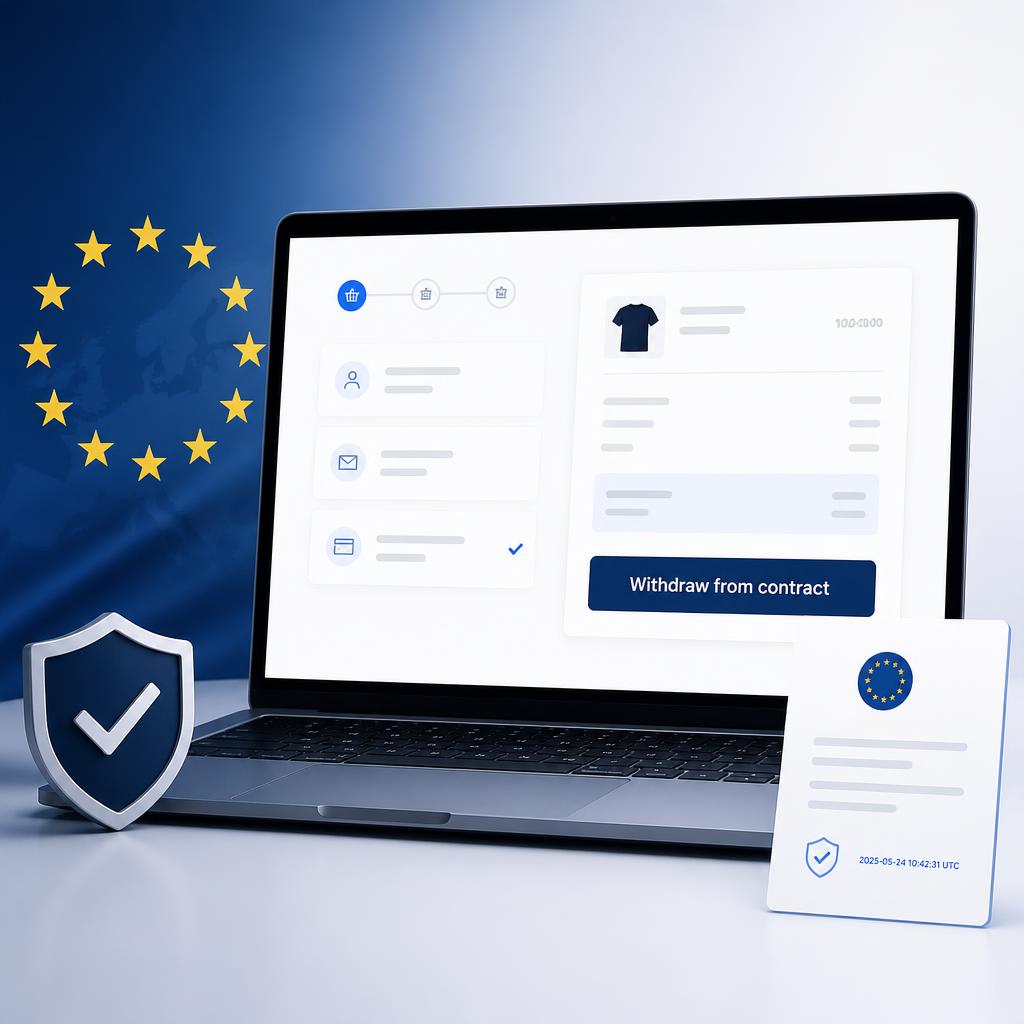
The EU “Withdrawal Button” Is Now Mandatory. Is Your Store Compliant?
The mandatory EU withdrawal button for WooCommerce — full compliance with Directive (EU) 2023/2673 (Article 11a CRD), in effect since 19 June 2026.
Price range: 39 € through 99 €
<!– ============================================================ PRODUCT PAGE — EU Withdrawal Button for WooCommerce webdesign-profesional.com — WooCommerce product long description Plain HTML, no inline styles, no H1 (product title is the H1). SUGGESTED PRODUCT TITLE (H1): EU Withdrawal Button for WooCommerce – Directive 2023/2673 (Article 11a) Compliance Plugin SUGGESTED SLUG: eu-withdrawal-button-woocommerce SUGGESTED META DESCRIPTION: Mandatory EU withdrawal button for WooCommerce. Comply with Directive 2023/2673 (Article 11a CRD): visible withdrawal function, time-stamped confirmations, guest checkout support. Install in minutes. PRICING (edit before publishing — suggestions): Single Site: €49 / year · Developer (unlimited sites): €149 / year ============================================================ –>
Since 19 June 2026, EU Directive 2023/2673 — the new Article 11a of the Consumer Rights Directive — requires every online trader selling to EU consumers to provide a clearly visible, easily accessible digital withdrawal function. Customers must be able to withdraw from a contract as easily as they concluded it: online, in a few clicks, with an automatic time-stamped acknowledgement of receipt sent on a durable medium.
A paragraph in your Terms & Conditions is no longer enough. A downloadable PDF form is no longer enough. The requirement applies to traders anywhere in the world who direct their business to EU consumers — and the consequences of non-compliance are severe:
- Fines of up to 4% of annual turnover for widespread infringements under the strengthened EU enforcement regime;
- The 14-day withdrawal period can be extended to 12 months and 14 days for stores without a compliant function — meaning customers could return products a year after purchase;
- A customer’s withdrawal may be considered legally valid even if you never process it, exposing you to disputes and chargebacks.
EU Withdrawal Button for WooCommerce implements the complete legal requirement in minutes — no developer needed.
Everything Article 11a Requires, Out of the Box
✅ A prominent, clearly labelled withdrawal button
The “Withdraw from contract” button appears automatically in the customer’s My Account orders list, on the individual order page and on the order confirmation page — with the remaining withdrawal time displayed. The button text is fully customisable.
✅ A simple two-step withdrawal process
Exactly as the Directive prescribes: the customer opens the withdrawal form, selects the products, optionally adds a reason and a refund IBAN, and confirms. No account required, no unnecessary questions, no obligation to state a reason.
✅ Automatic time-stamped acknowledgement of receipt
The moment a request is submitted, the customer receives an automatic confirmation email with a time stamp — the acknowledgement on a durable medium required by law, and your legal proof of the registration date. You receive a parallel notification with all the details.
✅ Continuously available — even for guest checkout
Customers without an account are covered too: the button appears on the order confirmation page, accessible any time via the secure link from their order email. On top of that, the plugin adds a visible withdrawal section with a direct link to every WooCommerce order email — so the function is always one click away, for every customer, throughout the withdrawal period.
✅ Partial withdrawal, handled correctly
The customer selects only the products they want to return. The order status changes automatically only when all physical products have been withdrawn; partial requests add an internal order note instead. Products already included in an active request cannot be selected twice.
✅ Legal exemptions applied automatically
Virtual, digital and downloadable products delivered immediately are exempt from the right of withdrawal — the plugin excludes them from the selection list automatically and informs the customer why. Orders containing only exempt products show no withdrawal button at all. Developers can fine-tune the rule via the rc_produs_exceptat filter.
✅ Centralised management for your team
Every request lands in a dedicated dashboard under WooCommerce → Contract Withdrawals: customer, order, selected products, reason, refund IBAN, IP address, time stamp and a workflow status (Submitted → Processing → Approved / Rejected → Completed). An indicator column in the orders list flags orders with active withdrawal requests at a glance.
Built for Real Stores
- Works with any theme — hooks into standard WooCommerce templates, no template overrides;
- Compatible with HPOS (High-Performance Order Storage) and the classic order storage;
- Configurable: withdrawal period (14+ days), post-withdrawal order status, button text, confirmation message, admin email, email section on/off;
- Fully translatable — English base strings with a complete .pot template; translate into your language in minutes with Loco Translate or any standard tool;
- Lightweight: loads its assets only on the pages where the button appears — zero impact on the rest of your store;
- Clean uninstall — removes its table and options completely if you ever remove it.
How It Works — 4 Steps to Compliance
- Install & activate the plugin (standard ZIP upload, under a minute);
- Activate your license with the key received by email;
- Review the settings under WooCommerce → Settings → Advanced → Contract Withdrawal (sensible legal defaults are pre-configured);
- Done. The button, the emails and the dashboard are live. Your store is compliant.
Licensing
- Single Site — one production domain, all features, updates and support for one year;
- Developer — unlimited client sites, all features, updates and support for one year. Built for agencies and freelancers who maintain WooCommerce stores: one license, every client compliant.
Licenses are activated per domain and can be moved between sites at any time from the plugin’s license page. Updates are delivered automatically.
Frequently Asked Questions
Does this apply to my store?
If you sell goods or services online to consumers in the EU — regardless of where your business is established — Article 11a applies to you from 19 June 2026. The obligation covers websites and mobile apps alike.
My store already has a returns page. Isn’t that enough?
No. The Directive requires a dedicated online withdrawal function: prominently displayed, clearly labelled, continuously available during the withdrawal period, with electronic submission and an automatic time-stamped acknowledgement. A static returns page, a contact form or a PDF does not meet these requirements.
Does it work for customers who checked out as guests?
Yes — this is one of the trickiest parts of the requirement, and it is fully covered. Guests reach the withdrawal button through the secure order confirmation link from their order email, and the withdrawal section added to every order email takes them straight there.
What happens to digital products?
Digital content delivered immediately is exempt from the right of withdrawal under EU law. The plugin applies the exemption automatically: exempt products never appear in the withdrawal form, and the customer sees a clear explanatory note.
Does it change my order workflow?
Only as much as you want. You choose which status an order receives after a full withdrawal (Refunded, Cancelled, On hold — or no change at all). Partial withdrawals never change the order status; they add an internal note so your team has full visibility.
Can I translate it into German / French / my language?
Yes. The plugin ships with English base strings and a complete translation template (.pot). Using the free Loco Translate plugin, you can translate all customer-facing texts into your language in about 20 minutes — no coding required.
What do I need to run it?
WordPress 5.8+, WooCommerce 6.0+, PHP 7.4+. It works with any properly coded theme and alongside the popular WooCommerce extensions.
Don’t Wait for the First Complaint
The deadline has already passed — enforcement authorities across the EU have announced that formal implementation errors will be pursued, and checking for the button takes an inspector exactly one visit to your store. Installing EU Withdrawal Button for WooCommerce takes less time than reading this page.
Get compliant today — choose your license above and install in minutes.
| License | Single Site, Developer |
|---|
Related products
-
Bulk Sale WooCommerce – Bulk Sale Manager for Woocommerce products
19 €Bulk Sale WooCommerce — Apply Discounts by Category in Seconds Running a flash sale or seasonal promotion in WooCommerce? Bulk Sale Manager lets you apply a […]
-
Smart Link Pro – Automatic Internal Linking WordPress Plugin
19 €Automatic Internal Linking WordPress Plugin — Set Up Once, Link Forever Automatic internal linking WordPress sites used to mean hours of manual work — opening old […]
-
Kombat BOGO PRO — WooCommerce BOGO Plugin with Buy One Get One Free Promotions
19 €The affordable WooCommerce BOGO plugin — create unlimited Buy One Get One Free promotions, schedule flash sales, and reward customers automatically. Unlimited rules, category-wide BOGO, percentage discounts, variable products, and statistics — all for $19 one-time. No subscriptions, no auto-renewal traps. Lifetime updates included.



Reviews
There are no reviews yet.